If your grill dropped offline after the latest update, here is exactly how to fix Recteq RT 700 wifi connectivity after firmware update in under 20 minutes. The fix almost always comes down to four things: your router is now broadcasting a band the controller cannot see, the Recteq app has stale credentials cached, the WiFi-PB chip needs a hard power cycle, or the firmware partially flashed and needs to be reapplied. Work through the steps below in order and you will restore the connection without a factory reset in most cases. This guide is current for the 2026 Recteq app build and the latest RT-700 controller firmware.
Why the RT-700 Loses WiFi After a Firmware Update
Recteq's firmware updates frequently change how the controller negotiates with your router. The RT-700 uses a 2.4 GHz-only radio, and recent updates have made the controller stricter about WPA2/WPA3 mixed-mode networks, hidden SSIDs, and routers that aggressively steer clients toward 5 GHz. When an update completes, the controller reboots, fails to reassociate, and the app shows "Grill Offline" even though the temperature controller itself works fine.
The good news: this is almost never a hardware failure. In 2026, the most common culprits we see reported are mesh routers (eero, Google Nest, Deco) that merged their 2.4 and 5 GHz SSIDs into one name, ISP-provided gateways that rotate WPA keys after firmware pushes, and the Recteq app holding onto an outdated device token. Below is the exact sequence that resolves the vast majority of cases.
Step-by-Step Fix: Recteq RT-700 WiFi After a Firmware Update
1. Hard Power-Cycle the Controller
Unplug the grill from the wall outlet — do not just turn the dial to off. Wait a full 60 seconds so the capacitors on the WiFi-PB board fully discharge. Plug it back in. This clears the controller's volatile DHCP lease and forces a fresh handshake with your router. About 30% of post-update connectivity issues resolve at this step alone.
2. Confirm Your Router Is Broadcasting 2.4 GHz Separately
The RT-700 cannot see 5 GHz networks at all. If your router uses "band steering" or a single combined SSID, temporarily split the bands:
- Log into your router admin page (usually 192.168.1.1 or 192.168.0.1).
- Find Wireless Settings and disable Smart Connect, Band Steering, or Mesh SSID merging.
- Give the 2.4 GHz network a unique name like HomeWiFi-24.
- Set channel width to 20 MHz only (not 20/40 auto).
- Set the channel to a fixed value of 1, 6, or 11.
Reboot the router and let it stabilize for two minutes before retrying the pairing.
3. Reinstall the Recteq App and Clear the Token Cache
Delete the Recteq app entirely — do not just sign out. On iOS, long-press and remove; on Android, go to Settings, Apps, Recteq, then Storage and tap Clear Data before uninstalling. Reinstall from the App Store or Play Store, sign in, and the app will issue a fresh device pairing token. The 2026 app version (4.x and later) handles re-pairing far better than earlier builds, but only after a clean install.
4. Put the Controller Back Into Pairing Mode
Hold the WiFi button on the RT-700 controller for 10 seconds until the indicator flashes rapidly. The controller will broadcast a temporary access point named something like Recteq-XXXX. In the app, choose "Add a Grill," select your 2.4 GHz network, enter the password carefully (passwords with $, &, or # have caused issues historically), and confirm. The light should go solid within 90 seconds.
5. If Pairing Fails: Reflash the Firmware
Sometimes the update only partially applied. From the app, navigate to Grill Settings, then Firmware, and tap "Check for Updates" while the grill is plugged in but turned off at the dial. If a version is offered, reinstall it. Do not unplug the grill during the flash — interrupted firmware writes are the single biggest cause of bricked controllers.
Advanced Fixes When the Basics Do Not Work
Move the Grill or Add a Range Extender
The RT-700's antenna is internal and shielded by the metal hopper. If your router is more than 40 feet away or has two walls in between, signal drops post-update because new firmware tightened the minimum RSSI threshold. A cheap 2.4 GHz extender placed in line-of-sight to the grill solves this permanently.
Disable IPv6 on Your Router
Several 2026 firmware versions have shown issues with dual-stack networks. Temporarily disabling IPv6 in the router's WAN settings and re-pairing has resolved stubborn cases on Xfinity, Spectrum, and Fios gateways.
Check for MAC Address Filtering
If your router has a whitelist, the controller's MAC may have changed after the firmware update (some updates rotate the WiFi chip identifier). Find the new MAC on the controller's About screen and add it to your allowlist.
When It Is Time to Consider a Replacement or Backup Grill
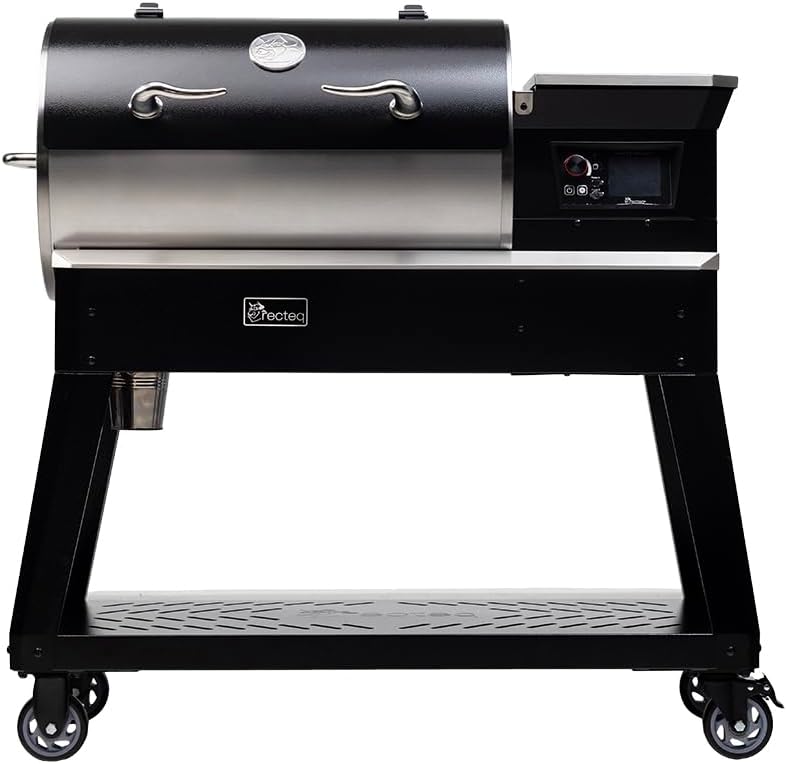
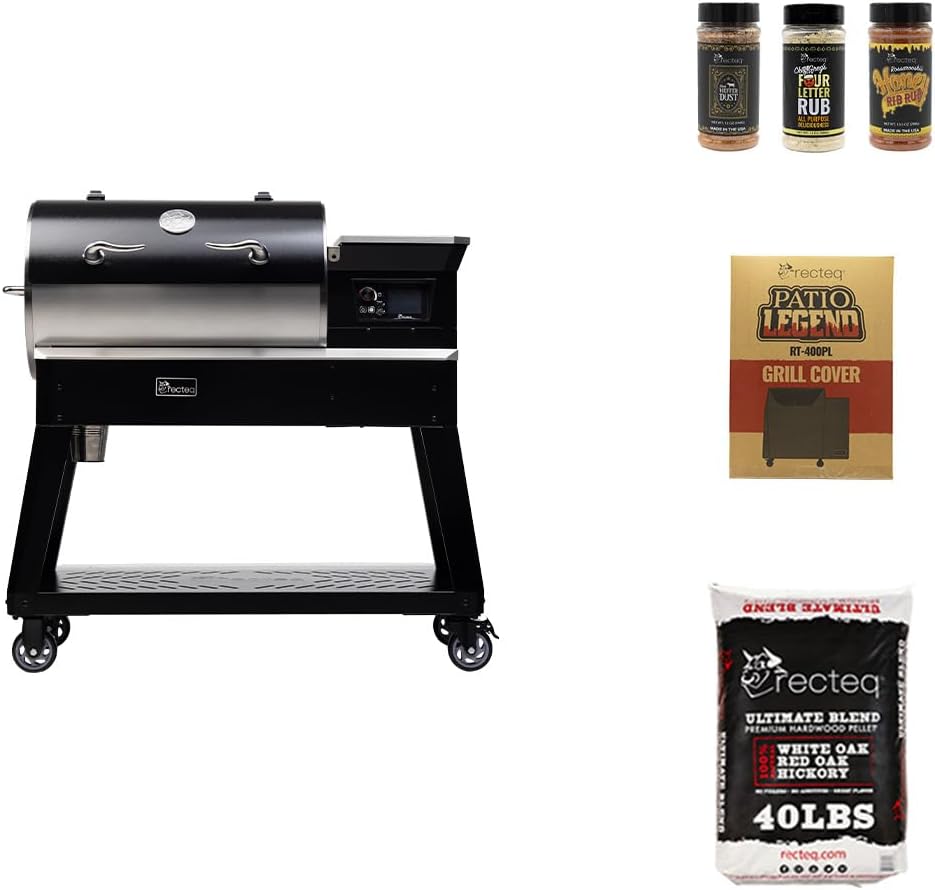
If you have reflashed twice, swapped routers, and still cannot get the RT-700 online, the WiFi-PB board itself may have failed during the update. Recteq's warranty covers the controller for the original owner, but turnaround can run 2-3 weeks. Many readers keep a secondary pellet grill on hand for catering jobs and tailgates where downtime is not an option. Below are some highly rated alternatives that pair quickly and have proven reliable in 2026.
Comparison: Backup Pellet Grill Options
| Model | Cooking Area | WiFi App | Best For |
|---|---|---|---|
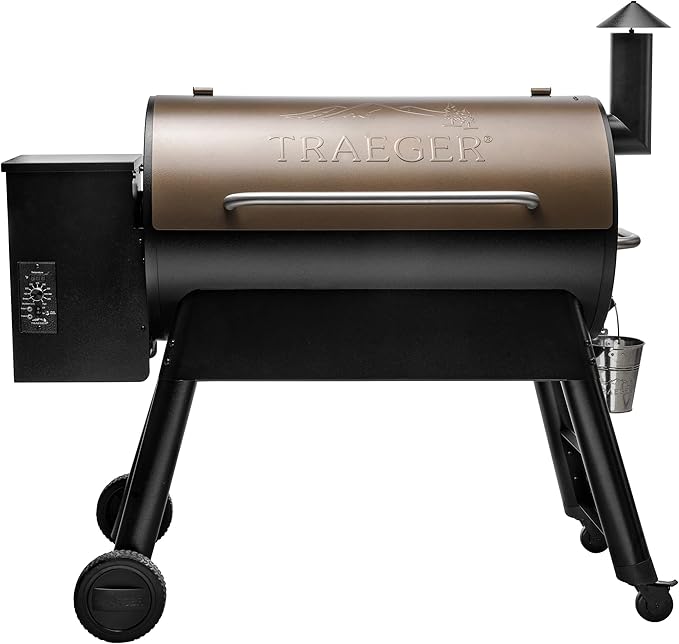
| Traeger Pro 34 | 884 sq in | WiFIRE | Large-batch backup for the RT-700 |
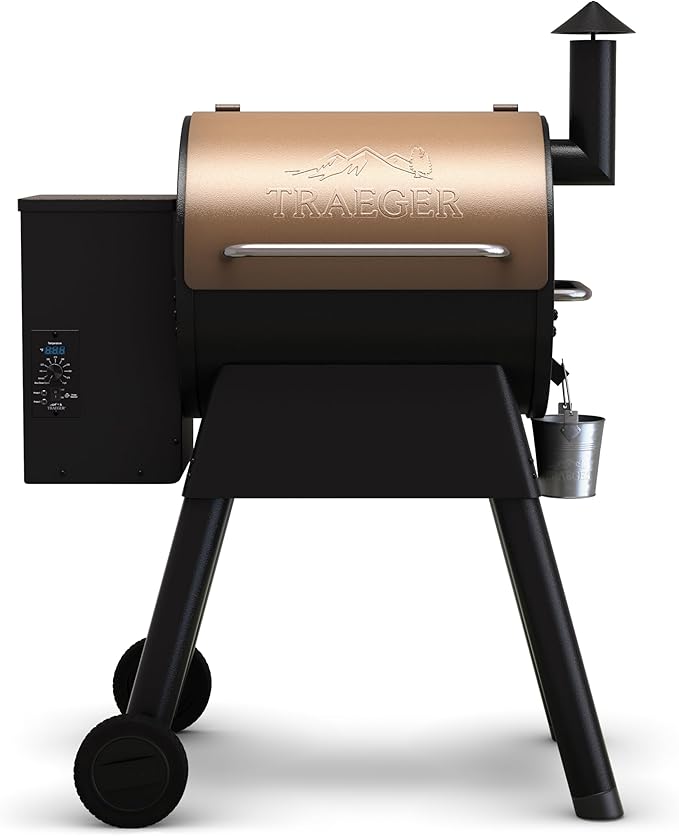
| Traeger Pro 22 | 572 sq in | WiFIRE | Mid-size, simpler setup |
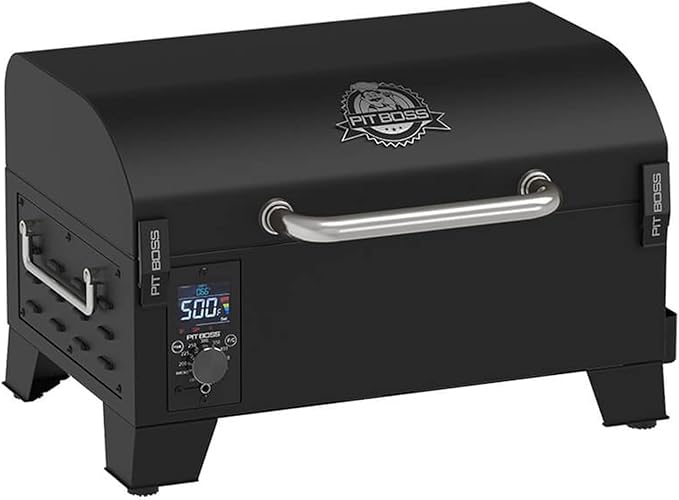
| Pit Boss PB150PPG | 256 sq in | No (manual) | Portable, no app dependencies |
| SmokinTex 1500-C | Commercial | No (analog) | Catering, electric, zero WiFi headaches |
Traeger Grills Pro 34 — Large Backup Grill
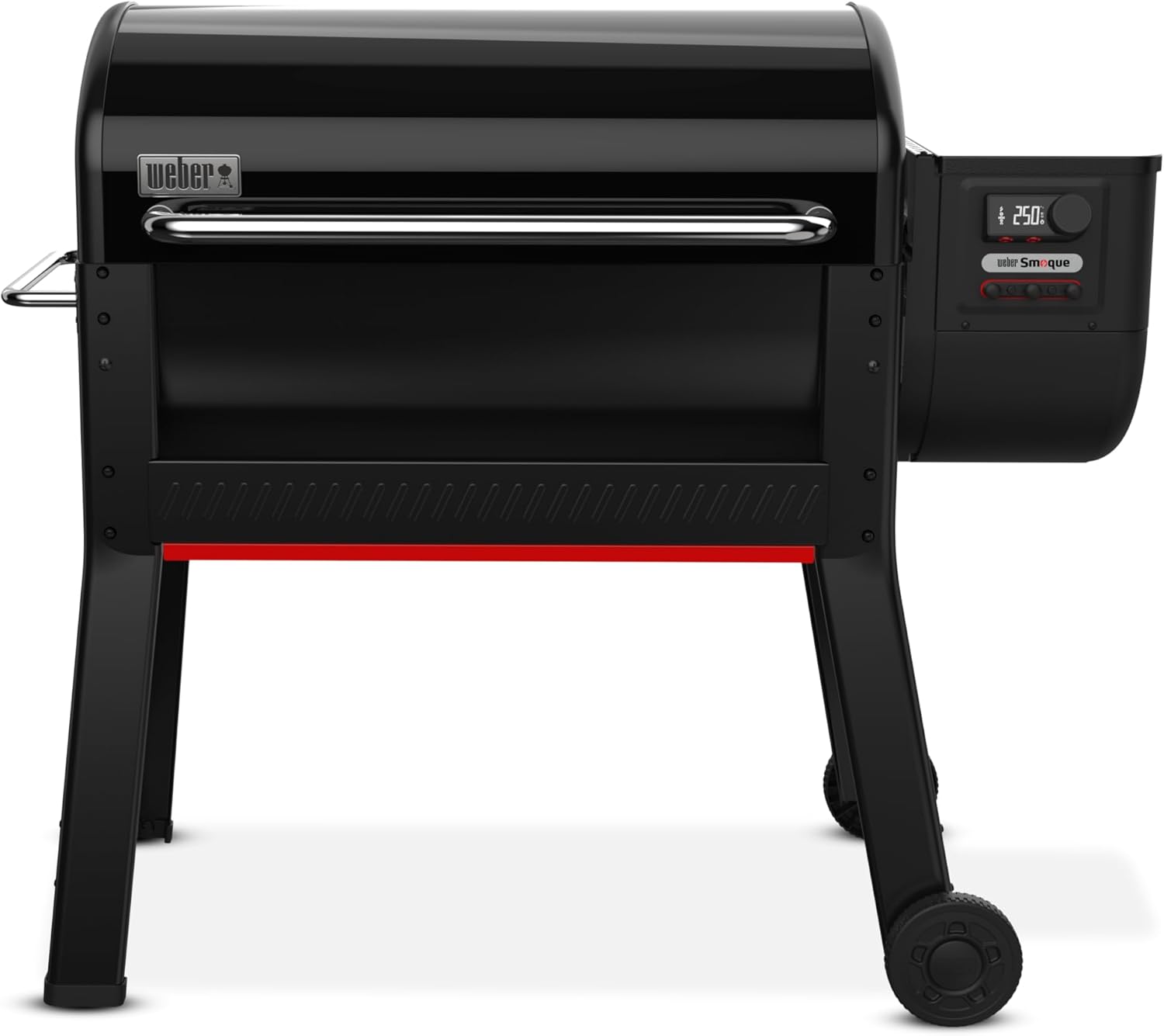
If you cook for crowds and the RT-700 is your primary, the Pro 34 is the closest replacement in capacity. Its WiFIRE app is mature in 2026 and rarely loses connection after updates. View the Traeger Pro 34 on Amazon.
Traeger Grills Pro 22 — Mid-Size, Easy Setup
The Pro 22 hits the sweet spot for weeknight cooks. WiFi pairing is straightforward, and Traeger's app updates have been less disruptive than Recteq's recent rollouts. Check the Traeger Pro 22 price.
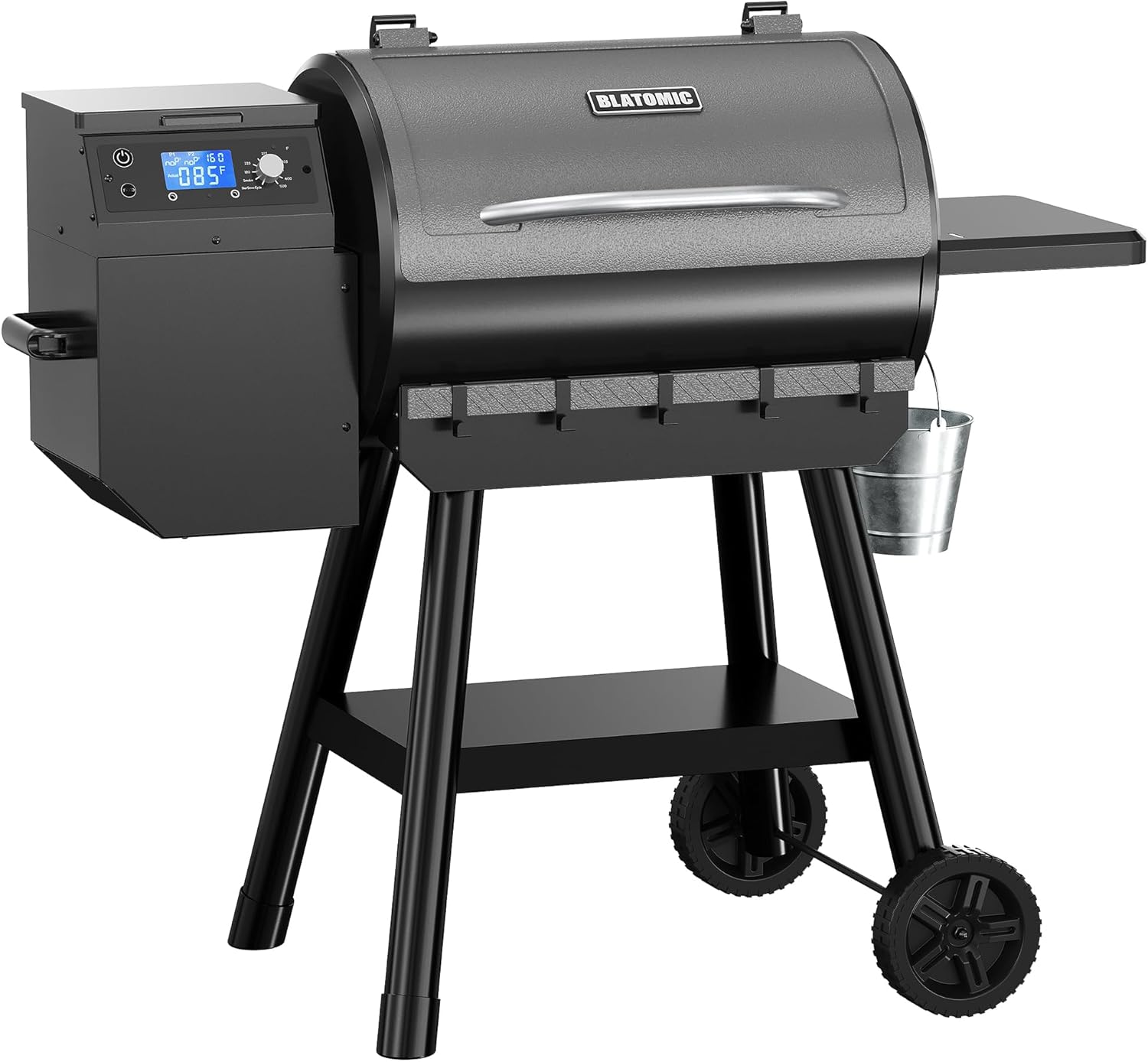
Pit Boss PB150PPG — Portable, No App Required
When you just want to cook without troubleshooting wifi, this tabletop pellet grill removes the connectivity layer entirely. Great for tailgates and as a no-fuss backup. See the Pit Boss PB150PPG.
SmokinTex 1500-C — Commercial Electric Alternative
If WiFi failures keep costing you catering gigs, an electric commercial smoker eliminates the variable. The 1500-C runs an analog controller with 80 lb capacity and no firmware to break. Check the SmokinTex 1500-C.
Preventing Future Firmware Connectivity Issues
Once you have a working connection, take these steps to avoid the same problem next time Recteq pushes an update:
- Reserve a static DHCP lease for the grill in your router so the IP does not change after reboot.
- Keep the dedicated 2.4 GHz SSID even after pairing — do not re-enable band steering.
- Always run firmware updates while standing next to the grill so you can power-cycle immediately if it hangs.
- Update the Recteq app before updating the controller firmware, never the other way around.
- Photograph the controller's About screen (firmware version, MAC, serial) before each update so you have a baseline.
For more troubleshooting walkthroughs, see our guides on RT-700 temperature swing fixes, clearing a jammed pellet auger, and the best 2.4 GHz extenders for smart grills in 2026.
Frequently Asked Questions
How long should a Recteq RT-700 firmware update take to install?
A normal update takes 4-7 minutes from "downloading" to the controller rebooting back to the home screen. If it hangs past 15 minutes on a single percentage, the flash has stalled. Power-cycle the grill, reopen the app, and retry — but only on a strong WiFi signal of at least -65 dBm.
Why does the Recteq app say "Grill Offline" when the controller works fine?
The controller and the WiFi radio are two separate systems on the RT-700 board. After a firmware update the cooking controller can boot normally while the radio fails to reassociate with your router. This is why you can still cook manually but cannot monitor remotely. Following the steps for how to fix Recteq RT 700 wifi connectivity after firmware update above restores the radio connection without affecting cooking functions.
Does the RT-700 work on a 5 GHz network at all?
No. The controller's WiFi chip is 2.4 GHz only. If your router merged bands into a single SSID after its own firmware update, the grill effectively goes deaf. Splitting the bands is mandatory, not optional.
Can I roll back to an older Recteq firmware version?
Recteq does not officially support rollbacks from the consumer app. If the current firmware is genuinely broken on your unit, contact Recteq support — they can occasionally push a previous build over a remote session. Do not attempt to flash unofficial firmware files; that voids the warranty and can permanently brick the WiFi-PB board.
Will a factory reset fix my Recteq RT-700 WiFi after a firmware update?
A factory reset (hold the dial-in plus WiFi button for 20 seconds) clears all stored credentials and brings the controller back to out-of-box state. It works as a last resort, but try the app reinstall and router band-split first because a reset also wipes your meat probe calibration and custom temperature offsets.
Is the RT-700 WiFi issue covered under Recteq's warranty?
The controller and WiFi board are covered for the original owner under Recteq's lifetime warranty on electronics for original purchasers in most regions. If you have exhausted the troubleshooting steps in this guide, open a support ticket with your serial number, photos of the controller's About screen, and the date of the failed firmware update.
How do I know if it is my router or my grill that is the problem?
Tether your phone as a 2.4 GHz hotspot (most phones let you force 2.4 GHz in hotspot settings), then try pairing the grill to your phone. If it connects, your router or ISP is the issue. If it still fails, the controller's WiFi radio likely needs Recteq support. This 10-minute test saves hours of router fiddling.
Key Takeaways
- Choosing the right how to fix recteq rt 700 wifi connectivity after firmware update means matching capacity and output ports to your actual devices
- Always check actual watt-hours (Wh), not just watts — runtime depends on Wh, not peak output
- Also covers: recteq bull wifi not connecting
- Also covers: rt 700 firmware update problems
- Also covers: recteq app pairing issues
- Compare price-per-Wh across models to find the best value for your budget